Cursive Font for Instagram Bio: Copy, Paste and Stand Out
Your Instagram bio has 150 characters to tell people who you are. A cursive font for Instagram bio text is one of the easiest ways to make those few words feel personal, soft and a little bit special, without any app or design skills.
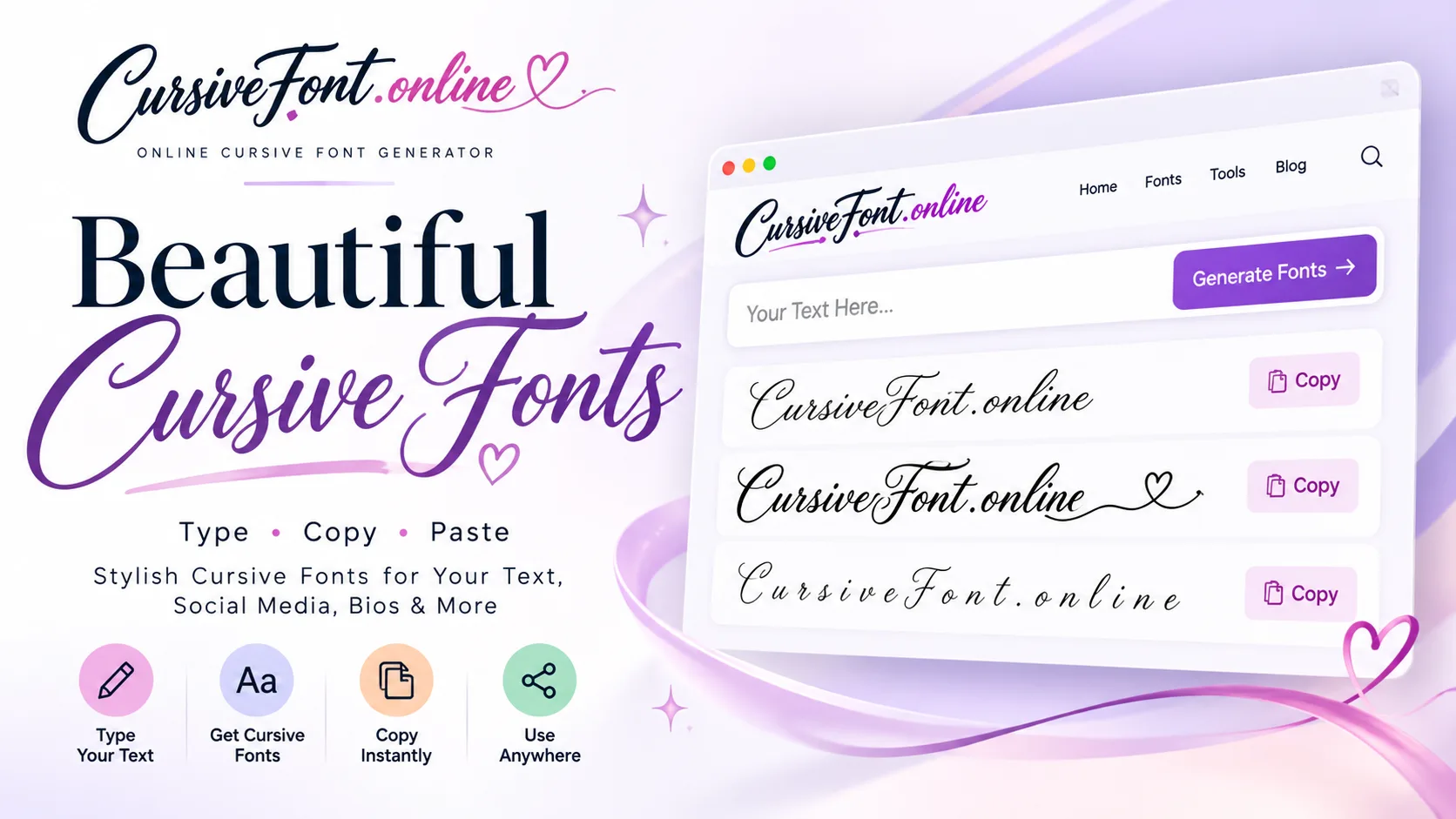
Instagram does not let you pick a font for your bio. So how do people get that flowing handwriting look? They use Unicode cursive letters. These are real text characters, not images, so you can copy them from a generator and paste them straight into your profile.
How to add a cursive font to your Instagram bio
We tested this on an iPhone 14 and a Samsung Galaxy A54, and the steps are the same on both:
- Open our Cursive Font Generator and type your bio text.
- Pick a style you like and tap Copy.
- Open Instagram, go to your profile and tap Edit profile.
- Tap the Bio field, paste the text and tap Done or the tick.
That is it. The change shows on your profile right away, and your followers see the same cursive letters on their phones.
Which cursive style looks best in a bio?
After trying dozens of styles on real profiles, here is what we noticed. The bold script style is the easiest to read on small screens, because the thicker strokes stand out against both light and dark mode. The thin script style looks elegant, but it can feel faint if you use it for a full sentence.
A simple rule that works well: put only your name or one short line in cursive, and keep the rest in normal text. For example:
- 𝓢𝓪𝓻𝓪𝓱 ✨ | Baker in Lahore
- Coffee first. 𝓓𝓻𝓮𝓪𝓶𝓼 𝓵𝓪𝓽𝓮𝓻.
- 𝓛𝓲𝓿𝓮 • 𝓛𝓸𝓿𝓮 • 𝓒𝓻𝓮𝓪𝓽𝓮
Things to watch out for
Cursive letters look great, but they come with a few small trade-offs. It is better to know them before you change your whole profile.
Search. Instagram search reads Unicode cursive as different characters. If people search for your name, they may not find a bio or name written fully in cursive. Keep your username and the main name field in plain text.
Accessibility. Screen readers often read fancy Unicode letters one by one, or as math symbols. If many of your followers use screen readers, keep important details like your shop link or contact info in normal letters.
Missing letters. Some older phones show a small box instead of a cursive letter. If a friend says they see boxes, try the bold script style, which has the widest support.
Bio ideas using cursive text
Not sure what to write? Here are a few ideas you can copy and change:
- 𝓙𝓾𝓼𝓽 𝓪 𝓰𝓲𝓻𝓵 𝔀𝓲𝓽𝓱 𝓫𝓲𝓰 𝓭𝓻𝓮𝓪𝓶𝓼
- Handmade candles 🕯️ 𝓢𝓱𝓲𝓹𝓹𝓲𝓷𝓰 𝓷𝓪𝓽𝓲𝓸𝓷𝔀𝓲𝓭𝓮
- 𝓣𝓻𝓪𝓿𝓮𝓵 • 𝓕𝓸𝓸𝓭 • 𝓕𝓪𝓶𝓲𝓵𝔂
Want to try your own name in many styles at once? The Cursive Name Generator shows your name in every style side by side, so picking one is quick.
Can you use cursive in captions and comments too?
Yes. The same copy and paste text works in captions, comments, story text and even highlights covers. Instagram’s own story fonts include a few handwriting options, but Unicode cursive gives you more choice and works everywhere, including DMs.
If you are curious how these characters work behind the scenes, they come from a part of Unicode called the Mathematical Alphanumeric Symbols block. That is why they work in almost every app without installing a font.
Mistakes people make with cursive bios
After looking at hundreds of profiles, the same few mistakes keep showing up. The first is writing the whole bio in cursive. It looks pretty for a second, but visitors scroll fast, and a long block of fancy letters is tiring to read. One cursive line almost always works better than four.
The second mistake is mixing too many styles. Bold script on one line, double-struck letters on the next and small caps after that makes a profile feel messy. Pick one cursive style and use it the same way every time, the way a brand sticks to one font.
The third is forgetting about the link and contact button. If you run a small business, your bio’s job is to get people to tap. Keep the call to action, like “Order on WhatsApp” or “Link below”, in plain text so it stands out and is easy to understand.
Matching your bio to your niche
Different kinds of accounts suit different looks. Beauty, fashion and wedding pages usually look best with a thin, elegant script for the name. Food and cafe pages often suit a bolder, rounder cursive that feels friendly. Personal accounts can be more playful, adding a heart or sparkle beside a short cursive phrase.
If you are not sure, look at five accounts in your niche that you like. Notice what they put in cursive and what they keep plain. You will quickly see a pattern you can follow while still making it your own.
Updating your bio over time
Your bio does not have to stay the same forever. Many creators refresh it for big moments, like a product launch, Ramadan, a wedding season sale or a new year. Because cursive text is just copy and paste, changing it takes less than a minute, so it is an easy way to keep your profile feeling current.
Cursive Font for Instagram Bio: quick summary
If you only remember one thing from this cursive font for instagram bio guide, make it this: keep it short, keep it readable and test it before you save. Bookmark this page so you can come back whenever you have a question about cursive font for instagram bio.
A cursive font for Instagram bio works best when it supports your message instead of hiding it. Before you save, read your bio out loud. If a stranger could understand who you are in three seconds, you got it right. Many creators change their cursive font for Instagram bio text with the seasons, for example adding a snowflake in winter or a flower in spring, which keeps the profile feeling fresh.
Frequently asked questions
Is it safe to use cursive fonts on Instagram? Yes. They are normal text characters. Instagram does not block or penalise them.
Why does my cursive bio look different on my friend’s phone? Each device draws Unicode characters with its own system font, so small differences are normal.
Can I change it back later? Of course. Just edit your bio and type in normal letters again.
A cursive bio is a small change, but it makes your profile feel more like you. Pick one line that matters, keep it short and let the style do the rest.